
001
The project
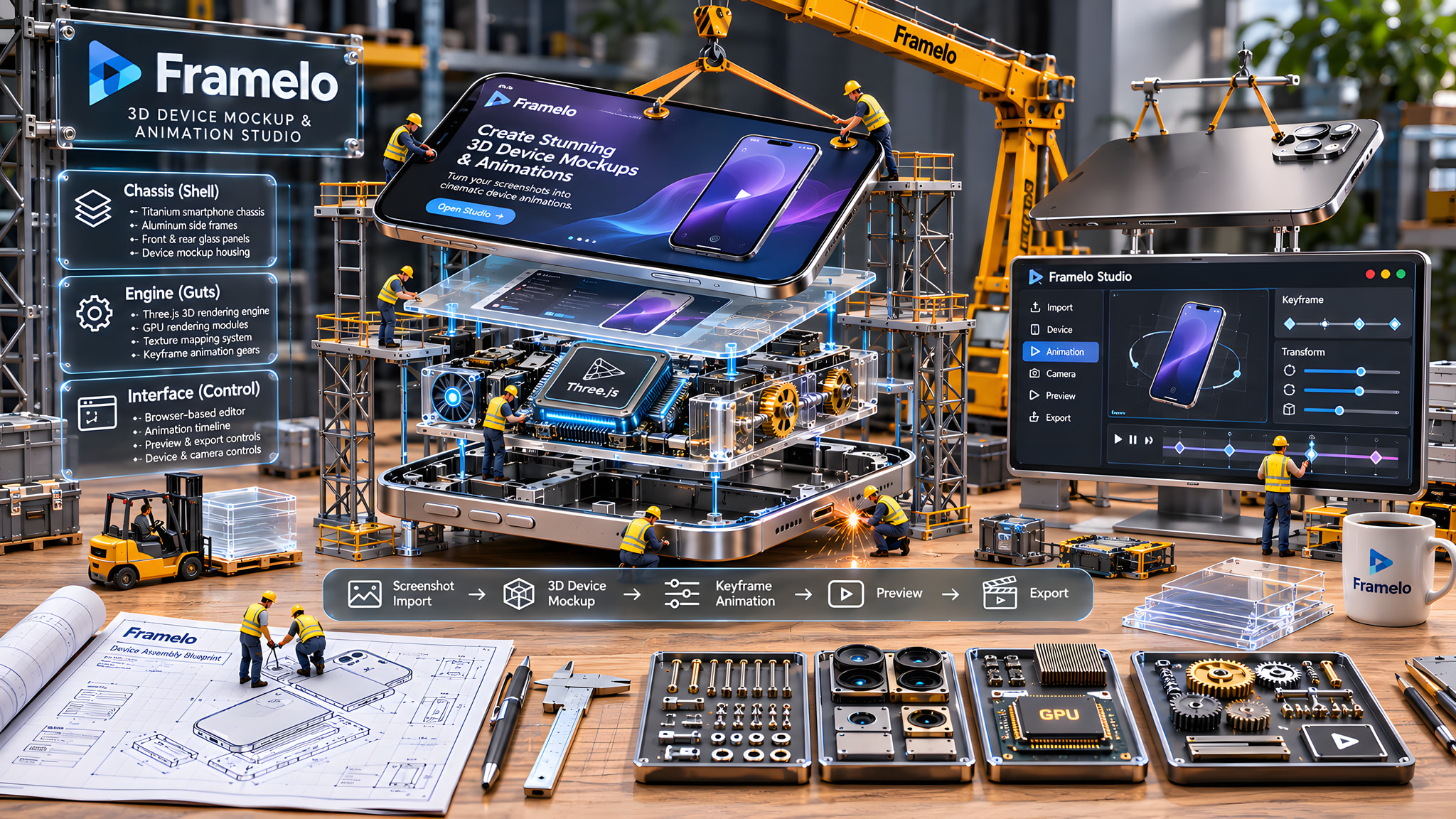
Framelo provides a web interface where users can import a screenshot and place it onto a realistic 3D device model. The editor includes a timeline for keyframe animation, allowing precise motion control. All operations are performed locally in the browser, ensuring privacy and speed.
The purpose of Framelo is to simplify the creation of device mockups and animated presentations without relying on external services. By running entirely offline, it removes network latency and data‑transfer concerns. It aims to accelerate design workflows for rapid prototyping.
Framelo is intended for designers and developers who need quick, high‑quality device mockups for marketing or product demos. It serves teams that value offline capability and fast iteration. The tool also benefits freelancers creating client‑ready visuals.
002
What it does
6 evidenced features
- 01
A browser-based device mockup and animation studio. Drop a screenshot onto a photorealistic 3D device, animate it on a real keyframe timeline, preview it, and export in seconds.
- 02
Created and maintained by ChamathDilshanC.
- 03
Next.js badge
- 04
React badge
- 05
TypeScript badge
- 06
Three.js badge
003
How it works
Application Surface
The core user‑facing routes are defined in src/app/auth/callback/route.ts, src/app/dashboard/page.tsx, src/app/editor/[projectId]/page.tsx, src/app/layout.tsx, src/app/page.tsx, and src/app/portfolio/page.tsx. These files compose the Next.js pages that render the editor, dashboard, and portfolio views, establishing the main entry points of the app.
Delivery and Quality Assets
Static assets for typography and export scripts reside in scripts/assets/helvetikerregular.typeface.json and scripts/export-iphone-18-pro-max.py. These files are used during rendering and video export processes, illustrating how the repository separates asset generation from the main application code.
Project Configuration Boundary
High‑level project configuration and metadata are stored in README.md, package.json, docs/premium-scene-qa/README.md, docs/screenshots/README.md, and next.config.ts. These files define dependencies, build settings, and documentation, providing a clear map of how the project is assembled.
004
Challenge
Designers often need to create realistic device mockups with animated interactions, but existing tools require internet access or complex workflows. This creates friction when working offline or under tight deadlines. Framelo addresses this gap by offering a self‑contained web studio.
005
Implementation
The team built Framelo as a Next.js application leveraging Three.js for 3D rendering and Supabase for optional backend services. They implemented a drag‑and‑drop interface, a keyframe timeline, and export scripts to generate videos directly in the browser. The architecture isolates UI routes, asset pipelines, and configuration files to maintain modularity.
006
Technology stack
Database
 Supabase
Frontend
 JavaScript/TypeScript
 Next.js
 React
- TypeScript
 Vite
 Tailwind CSS
- Three.js
007
Repositories
Verified source links for this project.
